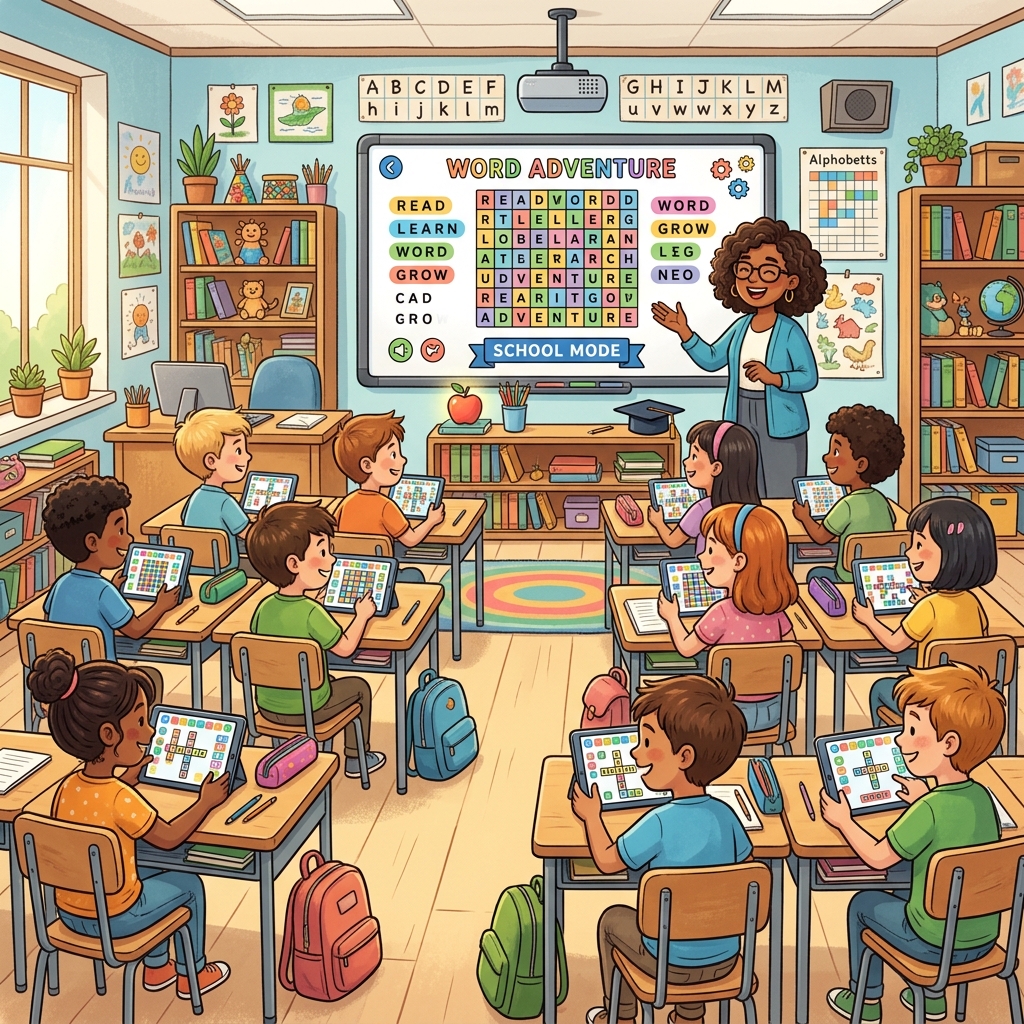
The idea for School Mode came from an email. A third-grade teacher in Ontario wrote: "My students love playing wordlyplay during free time, but some of the words are too advanced and the battle lobby is distracting. Could you make an education version?"
We could. And we did.
What School Mode Offers
School Mode is a streamlined variant of WordlyPlay designed specifically for classroom use:
- Age-appropriate word lists. Words are curated for educational vocabulary — common English words that students at each grade level should know. No obscure, archaic, or potentially confusing words.
- Simplified interface. The battle lobby, gem store, and social features are hidden. Students see only the puzzle grid, keyboard, and their results. No distractions.
- No in-app purchases. The gem economy is disabled in School Mode. Students can't accidentally (or intentionally) spend money.
- Safe environment. No chat, no user-generated content, no PvP with strangers. Students interact only with the puzzle.
How Teachers Use It
Based on feedback from teachers who've adopted School Mode:
Morning warm-up (5 minutes): Students solve one puzzle as a class activity when they arrive. The teacher projects the grid and students vote on guesses as a group. It's collaborative, low-pressure, and wakes up their brains.
Vocabulary builder: After solving a word, students look up its definition and use it in a sentence. Teachers report that students remember words they "discovered" through puzzles better than words from vocabulary lists.
Free time activity: During indoor recess or transition periods, students play individually. It's screen time that's genuinely educational — which makes it easier to justify to parents and administrators.
Spelling reinforcement: The act of typing guesses and seeing letter-by-letter feedback reinforces spelling patterns. Students learn which letter combinations are common in English and develop phonemic awareness naturally.
Getting Started With School Mode
School Mode is accessible from the main navigation. No special account is needed — teachers can share a link with students who play as guests, or students can create accounts for tracking progress over time.
There's no cost. School Mode is completely free and always will be. Education access is something we feel strongly about — word games shouldn't be gated behind a paywall for students.
Feedback for Educators
We actively listen to teacher feedback. If you're an educator using School Mode and have suggestions — custom word lists, progress tracking, classroom management tools — reach out to us. Several current features were built directly from teacher requests, and we plan to continue expanding the education offering.
Try School Mode
Share this link with students or try it yourself to see the classroom experience.
Open School Mode