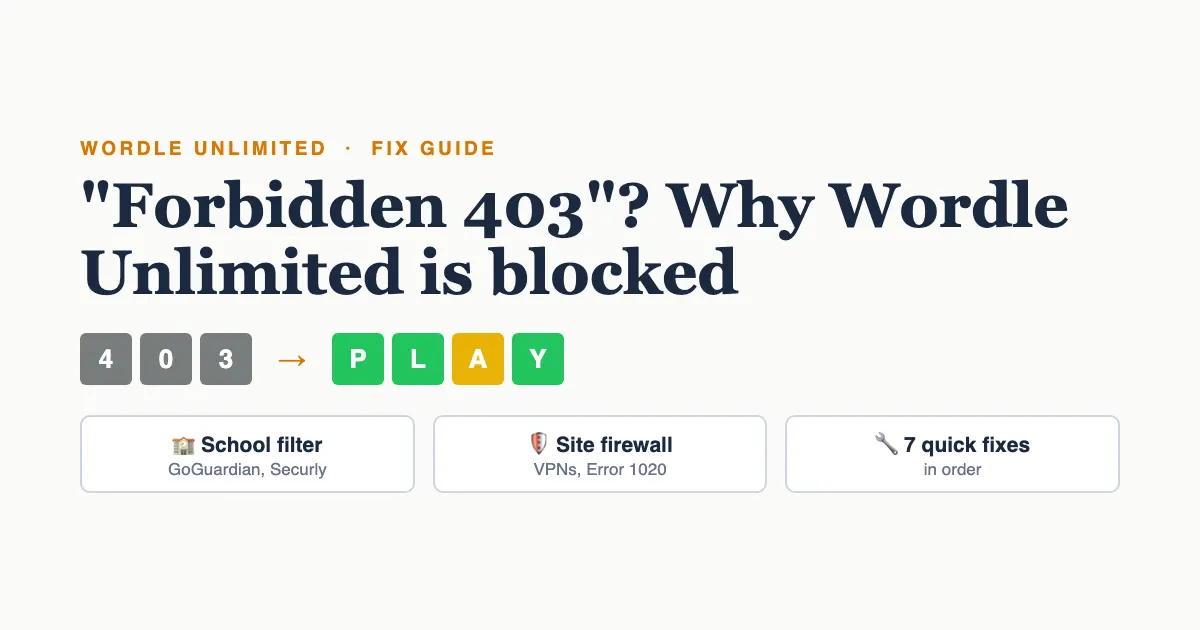
When Wordle Unlimited says "Forbidden" or "403", the game itself isn't broken. The website, or a filter between you and the website, has refused your connection. The usual causes are a school or work web filter, the site's firewall blocking your IP address (common with VPNs and busy school networks), or the site being down or moved. Reload once. If it's still blocked, try a network you're allowed to use, turn off any VPN, clear that site's cookies, or play Wordle Unlimited on a different site.
Below is how to tell which kind of block you've hit, why it can work on your phone but not on your Chromebook, and what actually fixes it.
What does "403 Forbidden" mean on Wordle Unlimited?
A 403 is a standard web error that means "I understood your request, and I'm refusing it." It's different from a 404, which means the page doesn't exist. With a 403 the page is there, but something has decided you can't see it.
That "something" is almost never the game. Wordle Unlimited sites are simple web pages, and a 403 comes from one of three places:
- The site's own server, which can block an IP address it thinks is misbehaving.
- A security service in front of the site, such as Cloudflare, which many Wordle sites use. It blocks visitors that match its rules.
- Your network: a school, office or library filter that blocks games.
The fix depends on which one it is, and the page you see usually tells you.
Why is Wordle Unlimited forbidden today? Read the message
Look closely at the error page. Each kind of block looks different:
| What you see | What it means | What to try |
|---|---|---|
| "Forbidden. You don't have permission to access this resource." | The site's server blocked your IP address | Another network, or wait a day |
| "Sorry, you have been blocked", "Access denied", Error 1020, or a "Ray ID" at the bottom | The site's Cloudflare firewall blocked you | Turn off any VPN or proxy, then reload |
| A page with your school's or company's name, or "blocked by your administrator" | Your network filter blocked games | Respect the rule; play at break or at home |
| "429 Too Many Requests" | You reloaded too fast | Wait one minute |
| "This site can't be reached" or a 500 or 502 error | The site is down or has moved | Try later, or use another site |
If the message changed overnight on a site you've played for months, the site owner probably added stricter firewall rules or moved the game to a new address. That's often what "forbidden today" means. Nothing about you changed. The site did.
Why does Wordle Unlimited work on my phone but not my Chromebook?
Because the two devices reach the site in different ways. Your phone on mobile data has its own IP address. Your laptop on school or home Wi-Fi uses the network's address. If the site blocked that network address, every device on that Wi-Fi is blocked, and your phone on 5G is not.
School Chromebooks add a second layer. Filters like GoGuardian, Securly and Lightspeed run on the Chromebook itself, so the school's rules follow the laptop home. That's why a site can be blocked on your school Chromebook even on your home Wi-Fi, while your own phone on the same Wi-Fi plays fine.
Usually not. Most blocks target an IP address, not you, and many are automatic and lift by themselves after a few hours or a day. One thing does get people blocked: running a solver or word-checker tool that sends hundreds of guesses to the site. To the firewall that looks like a bot. Stop the tool, wait, and you'll usually be let back in.
How do I fix Wordle Unlimited not working?
Work through these in order and stop when the game loads:
- Reload once, then wait a minute. A single reload fixes short outages. Reloading over and over can turn a short block into a longer one.
- Turn off your VPN or proxy. Firewalls block VPN addresses more than anything else, because hundreds of strangers share them.
- Clear that site's cookies. In Chrome, click the icon left of the web address, choose Site settings, then Delete data. An old security cookie can keep you stuck on a block page.
- Try a private window. If the game loads there, a browser extension is the problem. Ad blockers and "dark mode" add-ons sometimes break word games.
- Try a different network you're allowed to use, like home Wi-Fi instead of a café. If it works there, the block is on the network's address.
- Check whether the site is down for everyone. Search the site's name plus "down". If others report it, all you can do is wait.
- Play on a different site. Wordle Unlimited isn't one website. It's a game many sites offer, and the puzzle works the same everywhere.
Blocked on one site? Play here instead
Unlimited 4, 5 and 6-letter words, no sign-up, no download and no ads. Works on phones, Chromebooks and iPads.
Play Wordle Unlimited - FreeCan I play Wordle Unlimited at school?
Often, yes. Plenty of schools allow word games, and some teachers use Wordle as a spelling warm-up. But if your school filter blocks a game, that's a rule, not a glitch. Don't use a VPN, proxy or "unblocker" extension to get around it. Those break most school device policies, and many of the extensions collect your browsing data.
Here's what works instead:
- Ask your teacher. If Wordle helps with spelling or vocabulary, a teacher can ask IT to allow a specific site. A request that names one site gets approved far more often than "unblock games".
- Use a site that's allowed on your network. School filters judge each site on its own, so a game blocked on one address may be fine on another. Our Wordle unblocked page needs no download or extension, so there's nothing for IT to approve except the website.
- Play at break, lunch or home. A daily-limit-free game will still be there after class.
Is Wordle Unlimited safe to play?
The game is safe. Some of the sites around it aren't. Wordle Unlimited isn't made by The New York Times. Fans and small developers built it, so quality varies from site to site. A safe site:
- loads with https and a padlock in the address bar,
- never asks you to download a file or install an app from outside an app store,
- doesn't open new tabs or pop-ups when you tap the keyboard,
- lets you play without entering an email address or phone number.
If a site fails any of these, close it. That matters more than any 403. A blocked site can't hurt you. A shady one that loads can.
Be careful with them. Many have only a few hundred users and ask for permission to "read and change all your data on all websites", which is far more than a word game needs. On a school Chromebook, installing one can also get flagged by IT. A website you open in a normal tab needs no permissions at all, so it's the safer choice.
Wordle Unlimited loads but won't play: other common problems
Sometimes the page opens and the game still misbehaves. These are the usual culprits:
- The keyboard doesn't respond. Click or tap the board once so the page has focus. On a Chromebook, check the on-screen keyboard isn't covering the game.
- "Not in word list" or "Not a valid word". The game only accepts real words, so made-up letter combos won't count as a guess. It isn't broken. Try a common word.
- The board is blank or stuck loading. Usually an ad blocker or a strict privacy extension is blocking the game's script. Allow the site in the extension, or try a private window.
- Your streak or stats vanished. As a guest, your progress lives in the browser, so clearing cookies or switching devices resets it. A free account keeps it everywhere.
- The game is cut off on a small screen. Zoom out with Ctrl and minus on a Chromebook, or turn your phone upright.
Does the New York Times have Wordle Unlimited?
No. The official NYT Wordle gives one puzzle a day. Wordle Unlimited is a separate idea made by other developers: a new random word every time you finish, as many rounds as you like. That's why it lives on many different websites, and why a block on one of them doesn't stop you playing.
Play at school the right way
No download, no extension and no account needed. Just a website that runs on any Chromebook, iPad or phone.
Open Wordle UnblockedFrequently asked questions
A "Forbidden" or 403 error means the website, its firewall, or your network refused the connection. The most common causes are a school or work filter, a VPN address the site's firewall blocks, too many reloads, or the site being down. The game itself isn't broken.
Reload once and wait a minute. Then turn off any VPN or proxy, clear the site's cookies, and try a private window. If it still fails, try another network you're allowed to use, or play Wordle Unlimited on a different site.
School Chromebooks run web filters that follow the laptop everywhere, even on home Wi-Fi. If your school blocks the site, it stays blocked on that Chromebook. On a personal Chromebook, try clearing the site's cookies or turning off extensions.
Yes, on a good site. Choose one that uses https, never asks you to download anything, doesn't open pop-ups, and lets you play without giving an email address. Avoid unblocker extensions that ask to read your data on all websites.
Each Wordle Unlimited site is run separately, so one can be down while others work. If you see "This site can't be reached" or a 500 or 502 error, that site is having trouble. Play on another Wordle Unlimited site in the meantime.
If your school's network allows it, yes. You need no download or account, only a browser. If the school blocks it, don't bypass the filter with a VPN. Ask a teacher to request the site, or play at break or at home.