Wordle for the Classroom: a live game your whole class plays
To play Wordle in the classroom, a teacher opens a free WordlyPlay classroom with this week’s words and puts the code on the projector, or a student starts a free class game in a few taps. Everyone else joins on a Chromebook or phone with a 5-letter code and a nickname, no account needed. The whole class solves the same word at the same time, then sees what it means.
Three ways to play Wordle in class
Pick the one that fits. Every way is free, and players never need an account to join.
Play with your class
For students (13+ to host)- Free: start a game in a few taps and share the code
- Up to 30 players, play again as often as you like
- Race or Relaxed, 2–4 color teams, 4–7 letters, hard mode
- A ranking table and the meaning of every word
Teacher classrooms
For verified teachers- Free and permanent: one code per class, all term
- Your own words with clues, every game type and setting
- Projector view, groups or class vs class, you move anyone
- Reports: hardest words, each student, CSV download. No gems.
Join with a code
For everyone- Type the 5-letter code or scan the QR on the board
- A nickname or a fun name like “Blue Fox 12”
- No account, no email, no download
- Works on Chromebooks, iPads and phones
Play as a class, in teams or one against one
Choose in the lobby once everyone is in. Each player still plays their own board, and a team scores its players’ average, so a smaller team can win.
Pick a color
Two to four teams: Red, Blue, Green, Yellow. Players tap a color to join; a team can be one player. Works in student games too.
Table groups
Teachers pick 3, 4, 5 or 6 per group and the room deals students into groups that race each other.
Class vs class
Two sides: 7A vs 7B in one code, or one class split in half. Students pick their side, or the teacher shuffles.
Every word comes with its meaning
When a word ends, everyone sees what it means: the part of speech, a short definition and an example sentence. The results show every word of the game again.
- Turns a guessing game into vocabulary practice
- A natural moment to ask “who can use it in a sentence?”
- Teacher rooms leave 10 seconds between words to read it
Class games students start themselves
A student with an account hosts; classmates join with the code.
Lunch-break league
Same room all lunch: play again after every game and keep the room’s running score.
Before-class warm-up
Three quick words in Race mode while everyone arrives.
Color wars
Four color teams, everyone picks a side, the room crowns the team with the best average. Talk about each word’s meaning afterwards.
For teachers: a Wordle lesson in five minutes
Apply once, then every lesson takes a couple of minutes to set up.
- Min 0✏️Add your wordsThis week’s vocabulary, each with a clue. Or random words.
More
Open a classroom and type the words you are teaching, 4 to 7 letters, each with an optional clue. Or use random words at easy, normal or hard. (Apply once first on the teacher page; we check each teacher by hand, usually within a day.)
- Min 1📽️Project the codeA big 5-letter code and a QR code on the board.
More
The projector view shows a big 5-letter code and a QR code. Students type it at wordlyplay.com/join on their Chromebooks.
- Min 2💻Students joinOn Chromebooks, with fun names. No accounts.
More
Students join on their Chromebooks with a fun name like Blue Fox 12. No account, no email.
- Min 3👥Pick how to playEveryone alone, table groups, or class vs class.
More
Choose one tap in the lobby: everyone for themselves, groups of 3 to 6 that race each other, or two sides (two classes, or one class split in half). The room deals the teams for you.
- Min 4💬Play and talk about itSame word for everyone; the answer is revealed.
More
Everyone solves the same word at once while the projector shows the race. Between words the answer is revealed, a natural moment to discuss meaning and spelling. Download the results afterwards.
Lesson ideas teachers use
From how teachers already use Wordle, now with the whole class playing live.
Bell ringer or warm-up
Two or three words in Race mode settle a class in the first five minutes. Each word is revealed with its meaning, so you can ask “who can use it in a sentence?”
Vocabulary word of the week
Put this week’s words in with a clue each (“a word for very tired: _____”). Students practice spelling and meaning in one go.
Spelling test review
Relaxed mode with no clock lets every student work through the full list at their own pace while you see who is stuck.
Exit ticket
One word, one minute, on the way out. The report shows who solved it.
Phonics and vowel patterns
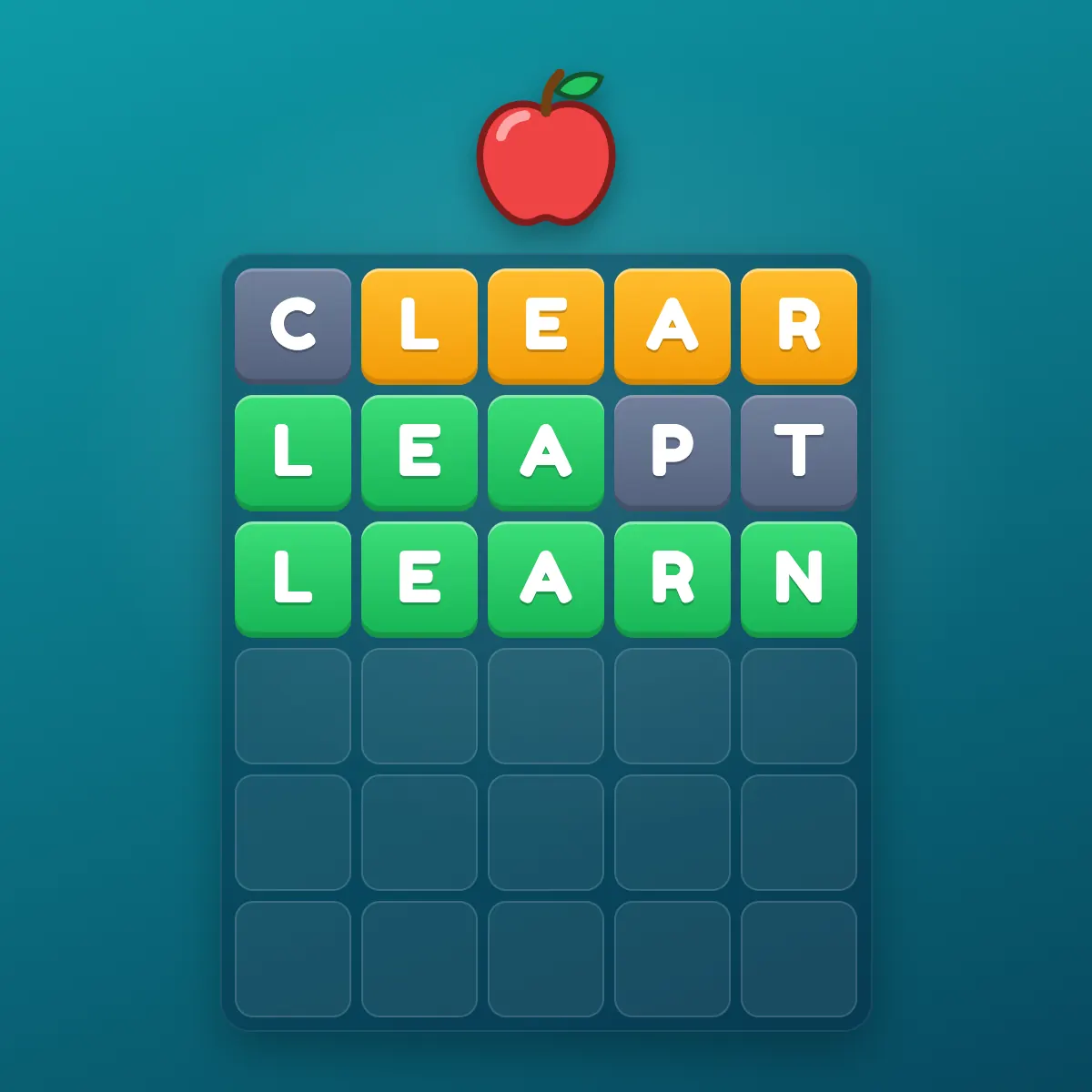
The green and yellow tiles make letter positions visible: a good starting point for vowel teams and common endings.
English learners and subject vocabulary
Science, history and ELL word lists work because your own words do not have to be in our dictionary.
What teachers get, free
A teacher portal
All your classrooms in one place, each with Open, Projector and Results.
Rooms that never close
One room per class with a fixed code and a leaderboard that runs all term.
A projector view
A big code and a QR code while students join, then the race, the clue and the timer.
Your words and clues
Up to 10 words of 4 to 7 letters, each with an optional clue. Word length, hard mode, time per word and guesses.
Reports after every game
The words the class found hardest, each student’s words and guesses, and a CSV download.
A fair test
No gems or power-ups in teacher rooms, fun names, reactions-only chat, and you can remove any player.
Student safety and privacy
Students never need an account to play and never give an email. They join with a nickname or a fun name the room gives them. Student class games use reactions-only chat, teachers choose the chat in their rooms, there are no ads and no links out of the game, and the host can remove any player.
Hosting a student class game needs an account, and accounts are for ages 13 and over, so younger students play in a teacher’s room or a classmate’s game. Guesses are deleted 30 days after a game and guest names are cleared 30 days after a room closes. Teacher applications are only used to check that the person teaches.
Works on school Chromebooks
WordlyPlay runs in the browser, so there is nothing to install and nothing for IT to approve beyond the website. It is the same site as our Wordle Unblocked page that students already use at school. The board and keyboard resize to fit small Chromebook screens.
The Classroom at a glance
How it compares with other ways to play Wordle in class
| WordlyPlay Classroom | One-word link makers | Whiteboard Wordle | |
|---|---|---|---|
| Every student plays live | Yes | Each on their own | One board |
| A list of your words | Up to 10, with clues | One word per link | Yes |
| Teams and class vs class | Yes | No | By hand |
| Word meanings shown | After every word | No | No |
| Students can host | Yes (13+) | No | No |
| Reports | Per word and per student | No | No |
Questions people ask
How do you play Wordle with a whole class?
Open the Classroom page and pick a way: a teacher opens a free classroom and projects the code, or a student starts a free class game. Everyone joins with the 5-letter code on their own device and solves the same word at the same time.
How do teachers use Wordle in the classroom?
As a warm-up or bell ringer, to practice the week’s vocabulary and spelling, as an exit ticket, and to talk about letter patterns. A WordlyPlay classroom lets the whole class play the same words live with your own word list.
Is WordlyPlay free for teachers?
Yes. Apply once on the teacher page; after a quick check, classrooms are free, never close and hold up to 50 students.
Do students need an account or email?
No. Students join with a code and a nickname or a fun name. No email, no password, no personal data.
Can I use my own vocabulary words?
Yes. Add up to 10 words of 4 to 7 letters per game, each with an optional clue. Subject words and names work even if they are not in our dictionary.
Does it work on school Chromebooks?
Yes. It runs in the browser with nothing to install, and it is built to fit small Chromebook screens.
Is it safe for students?
Classrooms start with reactions-only chat (the teacher decides), there are no ads and no links out. Students only enter a nickname, and the teacher can remove anyone from the room.
How many students can play at once?
Up to 50 in one classroom. For a whole-grade event, a tournament can take 100.
Can students start their own Wordle game?
Yes. A student with an account (13 and over) can start a free class game: random words, Race or Relaxed, up to 4 color teams and up to 30 players, playing again as often as they like. Classmates join with the code and never need an account.
Can students play in teams or groups?
Yes. In the lobby, choose Groups (3 to 6 students each) or Class vs class (two sides). The room deals the teams, you can move anyone with a tap, and the team score is the average so uneven teams stay fair.
Can two classes play against each other?
Yes. Put both classes in one room with Class vs class: students pick their side, such as 7A or 7B, and the projector shows the two sides racing. A student aged 13 or over with an account can host one too.
Can I see how each student did?
Yes. The live board shows each student’s progress during the game, and the teacher portal has a report after every game: the words the class found hardest, each student’s results, and a CSV download.
Does it show what the words mean?
Yes. When a word ends, everyone sees its part of speech, a short definition and an example sentence, and the results list every word of the game again.
How long does the teacher check take?
Usually within a day. Until then you can use your free Single game card to try a room with your class.
More ways to play
Bring Wordle to your class
Teachers get free classrooms, students start free games, and everyone joins with a code.
Updated October 26, 2026 · WordlyPlay is an independent Wordle-style game, not affiliated with The New York Times.