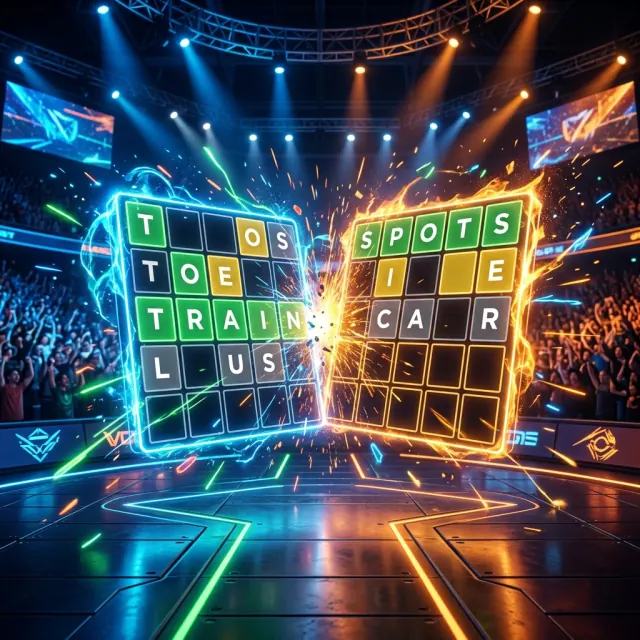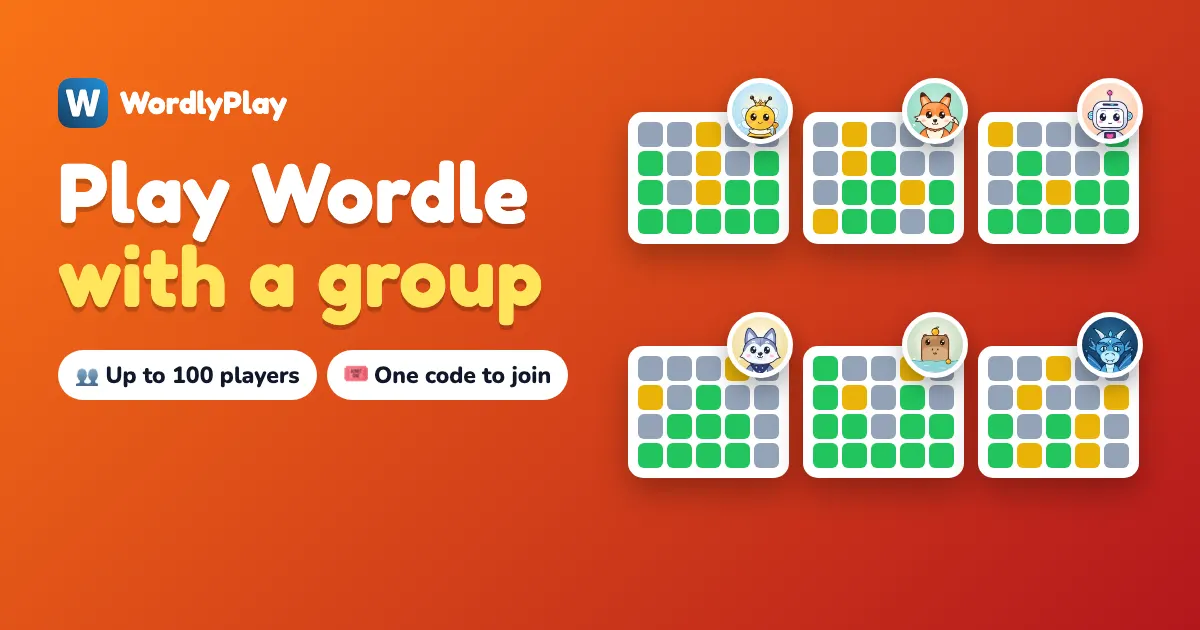
To play Wordle with a group, open a Wordle Room, share its 5-letter code, and everyone plays the same word at the same moment on their own phone, tablet or Chromebook. Up to 50 people can join, or up to 100 in a tournament. Nobody needs an account or a download to join. The host needs a free account, and the first game you host is free.
The New York Times Wordle has no multiplayer. This guide covers your other options, how to set up a room in about a minute, which game mode suits your group, and how teachers run it with a whole class.
What are the ways to play Wordle with 3 or more people?
| Option | Players | Live? | Best for |
|---|---|---|---|
| Share your daily Wordle results in a group chat | Any | No | Friends who already play daily |
| Friend duel | 2 | Yes | A quick head-to-head |
| Wordle Room | Up to 50 | Yes | Friends, family, office teams |
| Classroom game | 30 to 50 | Yes | Schools, tutoring |
| Tournament room | Up to 100 | Yes | Clubs, company events |
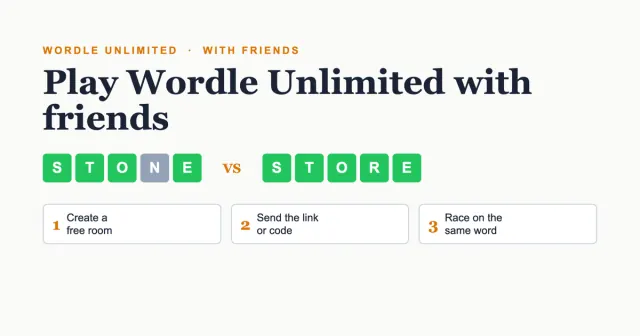
For two players, our guide to playing Wordle Unlimited with friends has everything you need. The rest of this post is about three or more.
How do I set up a Wordle room?
It takes about a minute, and only the host has to sign up:
- Create a free account and pick your game. On the Wordle Rooms page, choose Race, Relaxed, Knockout or Tournament, then random words or your own.
- Share the room. You get a 5-letter code, a link and a QR code. Send the link to your group chat, or put the QR code on a screen.
- Friends join. They open wordlyplay.com/join, type the code and a name. No sign-up and no app.
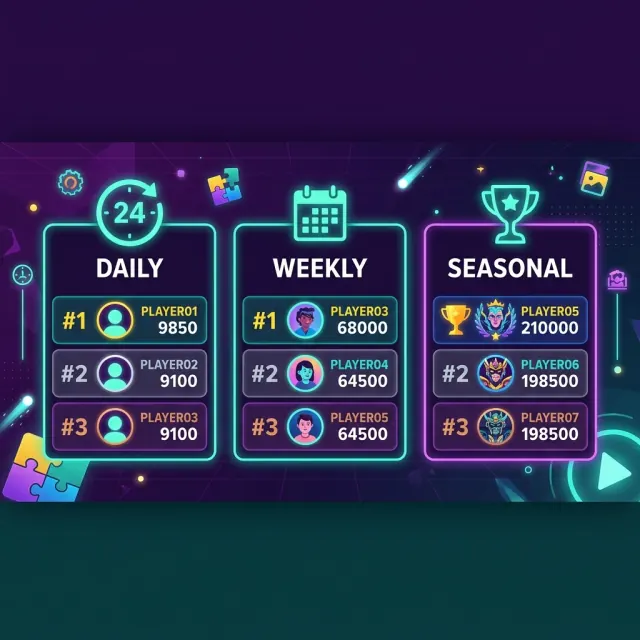
- Play together. Everyone gets the same word at the same moment. Fewer guesses and faster solves score more, and a live board shows the standings.
- Crown a winner. A podium shows the top players. Play again in the same room and it keeps a running score.
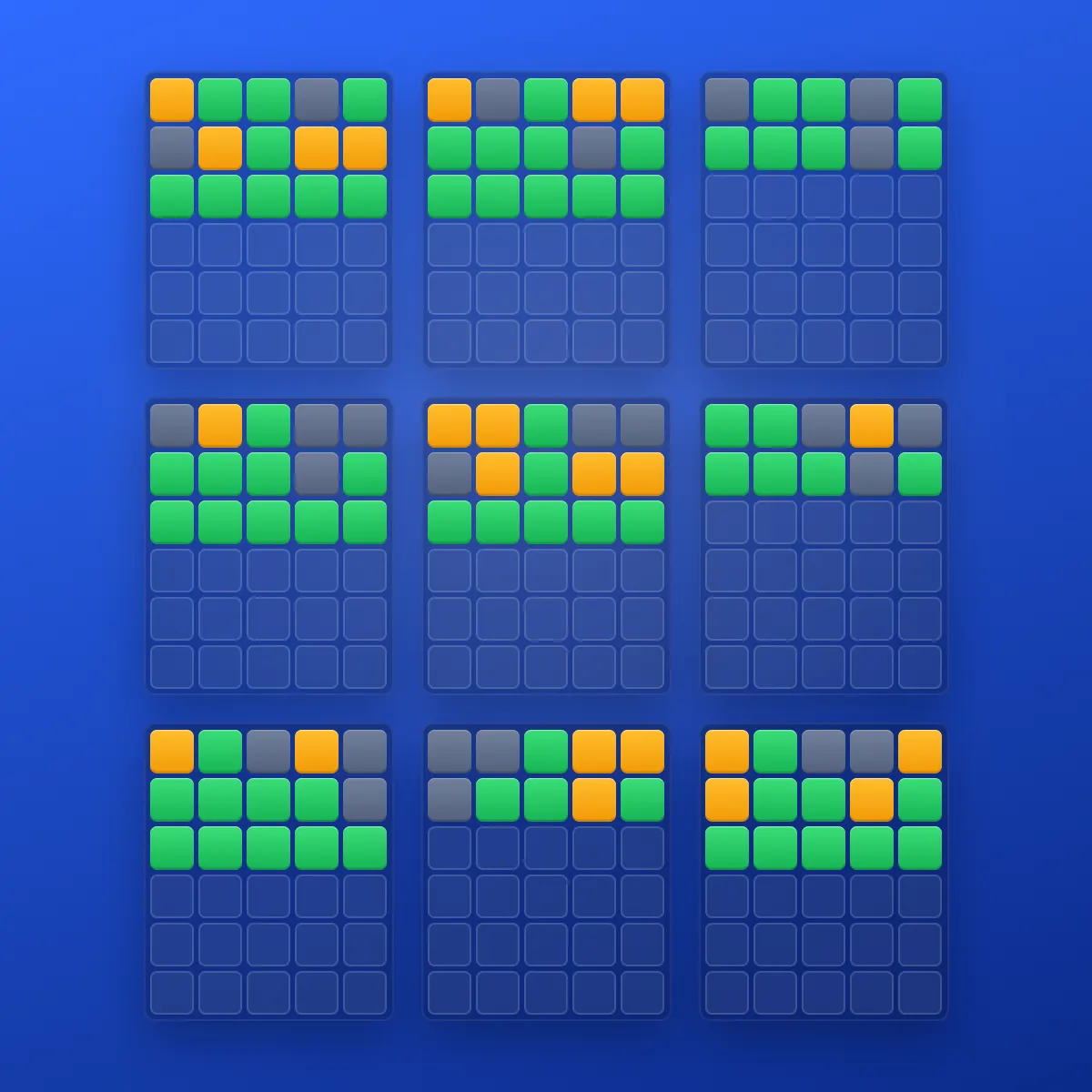
No. A room runs in the browser, so players only need a phone, tablet or computer and the code. It works on school Chromebooks and iPads, and nobody has to create an account to join.
Which game mode suits your group?
| Mode | How it works | Best for |
|---|---|---|
| Race | Everyone gets the same word at once. Fewer guesses and a faster solve score more, and the next word starts when everybody has finished. | Friends who like it fast and loud, 3 to 50 players |
| Relaxed | The same words, each player at their own pace, with no clock. | Mixed ages, grandparents, anyone who hates a timer |
| Knockout | A one-on-one bracket. Two players, one word, first to solve goes through, until one champion is left. | Crowning one winner |
| Tournament | Everyone plays qualifying words, then the best players go into a knockout. | Big groups and events, up to 100 players |
You can change the mode between games in the same room, so a family night can start with Relaxed and finish with a Race.
Start your first game
Your first hosted game is free. Share one code and everyone is playing within a minute.
Create a Wordle RoomCan I choose the word in multiplayer Wordle?
Yes. The host can type up to 10 words of 4 to 7 letters, each with an optional clue. Names, inside jokes and school vocabulary are all fine, even if they aren't in the dictionary. That makes it a good fit for a birthday, a team event or this week's spelling list.
If you would rather not pick, random words are ready to go in 4, 5, 6 or 7 letters. We tested how those lengths compare in our guide to Wordle with more letters. The other settings are:
- Difficulty: easy (common letters, no repeats), normal, or hard (rare and double letters).
- Hard Mode: the classic rule, where letters you find must be used in your next guesses.
- Clock: 1, 2, 3 or 5 minutes a word in a race, or no clock at all in Relaxed.
- Guesses: anywhere from 4 to 8.
- Fun names: one switch gives everyone a friendly name such as "Blue Fox 12", which is handy with kids and classes.
- Chat: players with an account (13 and over) can type messages, and everyone can send reactions and quick messages. Bad words are hidden, links are removed, and the host can turn chat off.
How much does a Wordle room cost?
Joining is always free. Hosting works with room cards, which you buy with gems. Your first game as a host costs nothing.
| What you want | Cost |
|---|---|
| Joining any room | Free |
| Your first hosted game | Free |
| A single game, any settings, up to 50 players | 5 gems |
| Unlimited games for 2 hours | 30 gems |
| Unlimited games for 24 hours | 60 gems |
| Unlimited games for 7 days | 180 gems |
| A tournament for up to 100 players | 50 gems |
| A student class game, up to 30 players | Free |
| A verified teacher's classroom, up to 50 students | Free |
You earn gems by winning games and from daily rewards, or you can buy them in the store, starting at 120 gems for $1.99. If you close a room before its first game, the card comes back to you.
How do you play Wordle with a whole class?
A teacher opens a free classroom and puts the code on the projector, and students join on their Chromebooks or phones with the code and a nickname. Nobody needs an account or an email address. The whole class solves the same word at the same time, and each word's meaning appears afterwards.
There are two ways in, and both are free:
- Teacher classrooms are for verified teachers. You keep one permanent code per class all term, add your own words with clues, and get a projector view and reports on the hardest words and each student, with a CSV download.
- Student class games let a student aged 13 or over start a game in a few taps and share the code, for up to 30 players.
What are good Wordle classroom activities?
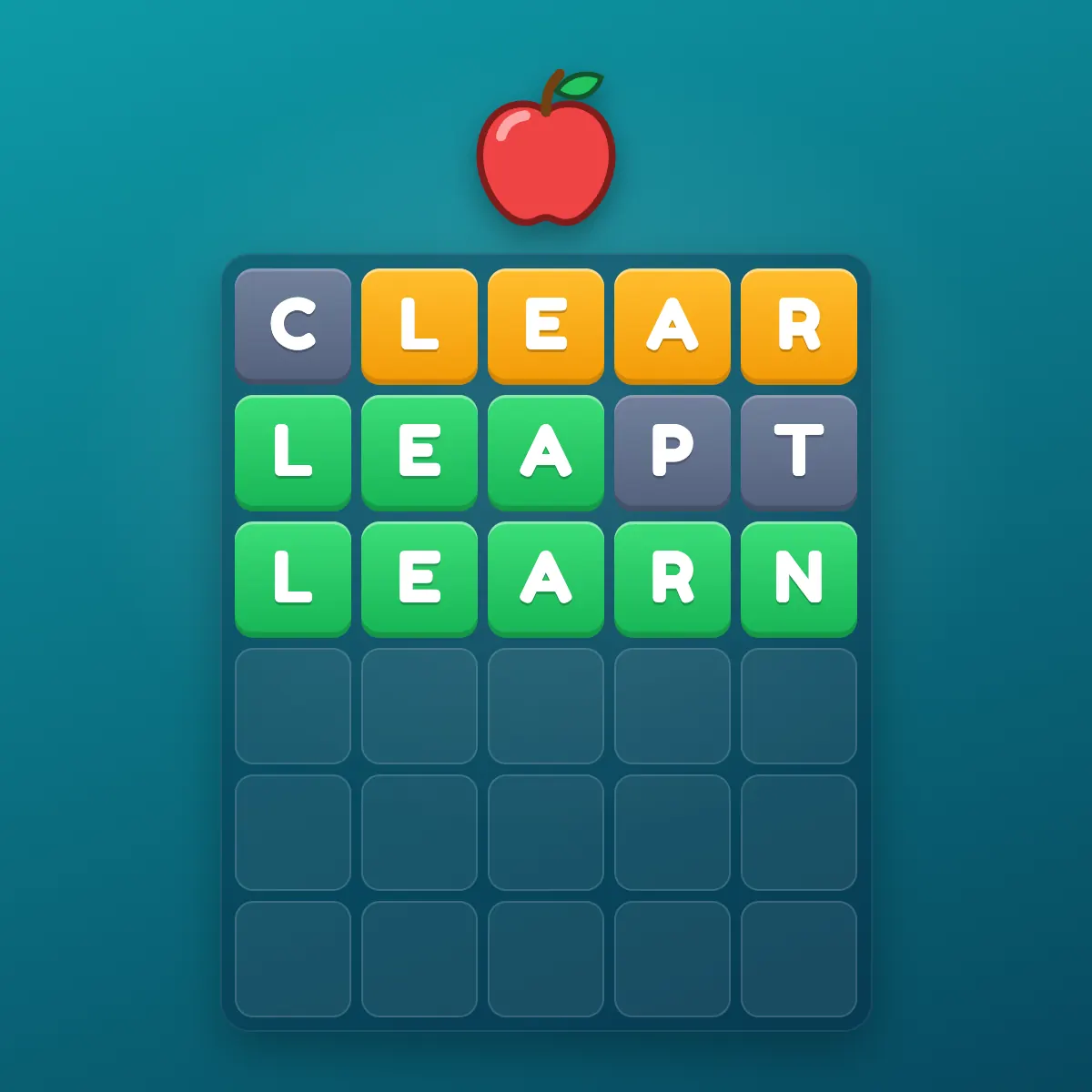
- Vocabulary check: type this week's words with a clue for each. It takes a couple of minutes to set up, and the report shows which words the class found hardest.
- Before-class warm-up: three quick words in Race mode while everyone arrives.
- Color wars: two to four color teams. Each student still plays their own board and a team scores its players' average, so a smaller team can win. Talk about each word's meaning afterwards.
- Class against class: run 7A against 7B on one code.
- Lunch-break league: keep the same room open all lunch, play again after each game, and let the running score build.
For more on using word games in lessons, read Wordle in the classroom.
Yes. Joining only takes a code and a nickname, with no account or email, and fun names mean nobody has to use their real name. Typed chat is limited to players with an account aged 13 or over, and the host can turn chat off completely.
Bring Wordle to your class
Free for teachers, free for students to join, and it runs on school Chromebooks.
Open Wordle for the ClassroomWhat are good ideas for a Wordle game night?
- Family night: Relaxed mode with easy words so everyone from 8 to 80 can play, then a Race to finish.
- Birthday party: a word list made of the birthday person's favorite things, each with a clue.
- Long-distance family: share the link in the family chat, then play and react together from different time zones.
- Office break: a Knockout for the team, or a tournament, where a 40-person cup is over in under 20 minutes.
How is a Wordle room different from a Grand Slam or Battle Royale?
A room is private and you run it, with your own people and your own settings. The other two are public events open to anyone. Battle Royale is a free 16-player knockout that starts within 30 seconds, whenever you like. The Grand Slam is a free scheduled tournament for up to 100 players, every Saturday and Sunday at 1 PM, 8 PM and 11 PM Eastern Time.
Frequently asked questions
Yes, though not in the New York Times game, which has no multiplayer. A Wordle Room on WordlyPlay takes up to 50 players on the same word at the same time, and a tournament room takes up to 100.
Up to 50 in a Wordle Room, up to 100 in a tournament room, up to 50 in a teacher's classroom and up to 30 in a student class game.
Yes. The host can type up to 10 words of 4 to 7 letters, each with an optional clue. Names and school vocabulary are allowed even if they aren't in the dictionary.
No. Players type the 5-letter code and a name, with no account, email or download. Only the host needs a free account.
Joining is always free, and your first hosted game is free too. After that, hosting uses a room card, from 5 gems for one game. Student class games and verified teacher classrooms are free.
A teacher opens a free classroom and shows the code on the projector, or a student aged 13 or over starts a free class game. Everyone joins on a Chromebook or phone with the code and a nickname, and the class solves the same word together.
Yes. WordlyPlay classrooms are free for verified teachers and include your own words with clues, a projector view, groups or class-against-class play, and reports with a CSV download.