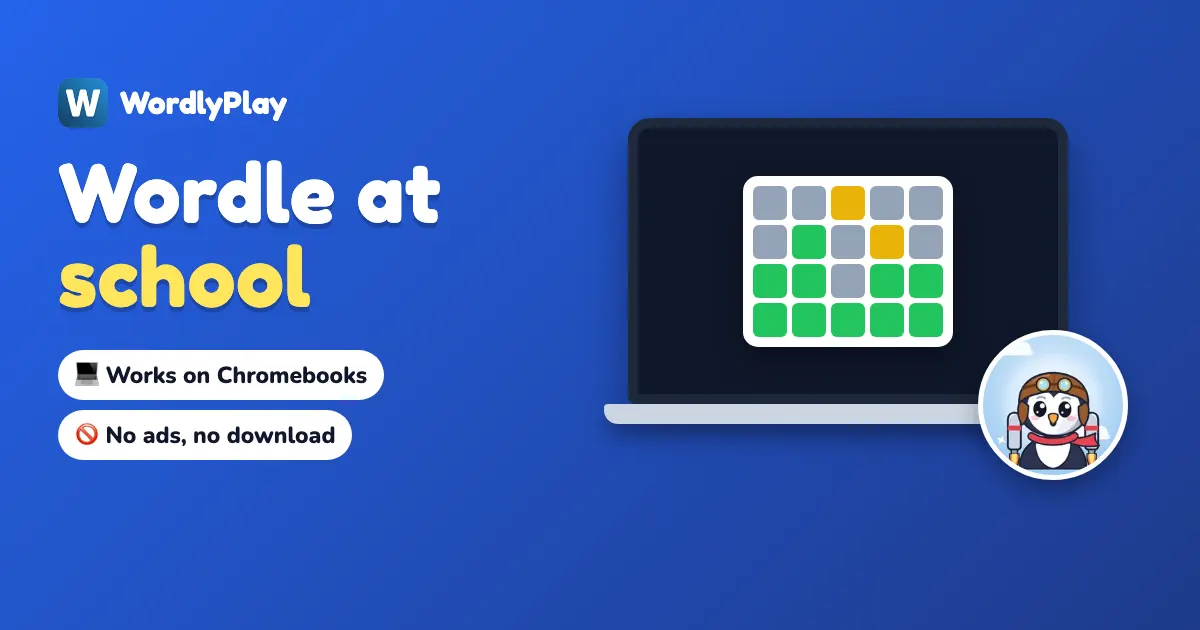
To play Wordle at school on a Chromebook, open the game in Chrome. There is nothing to download and no account to make. WordlyPlay's Wordle Unblocked page is ad-free, has no daily limit and works on many school networks. If your school's filter blocks it, the only fix that won't get you in trouble is asking a teacher or the school's IT team to allow it. Proxies and VPNs break most schools' rules.
This guide covers how to play on a Chromebook, why Wordle gets blocked, how to ask for it to be allowed, and how teachers can play it with a whole class.
Can you play Wordle on a school Chromebook?
Usually, yes. Wordle is a web game, so it runs in Chrome like any other page and works with the Chromebook's keyboard or touchscreen. It opens as long as your school's web filter allows the site. Your main options:
| Where to play | What you get | What it needs |
|---|---|---|
| Wordle Unblocked (WordlyPlay) | Unlimited games, 4 to 7 letters, no ads | wordlyplay.com allowed on your network |
| Daily Wordle (WordlyPlay) | One new word a day, with a streak | wordlyplay.com allowed |
| New York Times Wordle | The official daily puzzle, one a day | nytimes.com allowed on your network |
| A class game | Your whole class on the same word | A teacher, or a student aged 13 or over |
How do I play Wordle on a Chromebook?
- Open Chrome and go to wordlyplay.com/wordle-unblocked.
- Type a five-letter word with the keyboard, or tap the letters on screen, and press Enter.
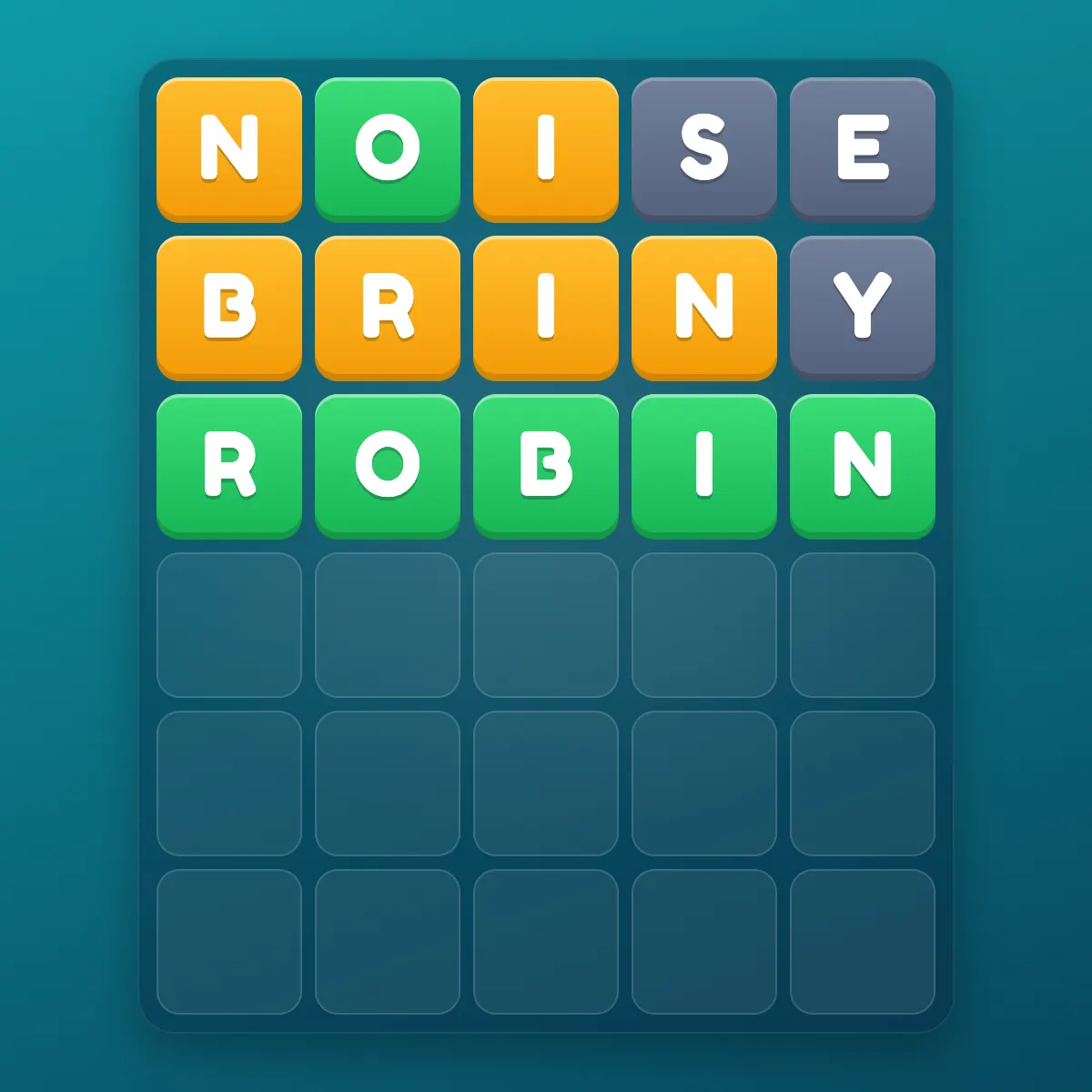
- Read the colours. Green is the right letter in the right spot, yellow is in the word but in another spot, and gray is not in the word. Our guide to what the colours mean covers the tricky cases.
- Solve it in six guesses, then start a new word straight away. There is no daily limit.
- Turn the sound off in the settings before you play in a quiet room.
Want it one tap away? Bookmark the page, or use Chrome's install option to add WordlyPlay as an app icon on your Chromebook. Some school Chromebooks don't allow installing apps, and a bookmark works just as well.
No. You can play Wordle Unblocked and the Daily Wordle, or join a class game, without an account. An account is only for saving stats, streaks and friends across devices, and you must be 13 or over to make one.
Why is Wordle blocked at school?
Most schools run a web filter on their Wi-Fi and on school Chromebooks, often a tool such as GoGuardian, Securly or Lightspeed, or the controls in Google's admin console. Filters sort websites into categories, and many schools block the "Games" category during the school day. Wordle sites often land in that category even though they are word puzzles.
A few things are worth knowing:
- It can depend on the time. Some schools only block games during lessons and open them at lunch or after school.
- It can follow the device. On many school Chromebooks the filter keeps working at home, because it runs on the Chromebook itself, not just the school Wi-Fi.
- It can be one site, not all of them. A school might allow one Wordle site and block another.
The page you see tells you what happened. A page with your school's name or "blocked by your administrator" means the filter blocked it. A "403 Forbidden" or "Access denied" page is something else, and our guide to Wordle Unlimited saying Forbidden 403 explains each message.
Your phone on mobile data doesn't go through the school filter, but a school Chromebook does, often even at home. If your school has rules about phones in class, those still apply.
How do I get Wordle unblocked at school?
Ask. Teachers can usually request that a site be allowed, and IT teams say yes more often when the game is clean and has a learning angle. A short message works best:
"Could wordlyplay.com be allowed on our Chromebooks? It's a free, ad-free Wordle game. It's good for spelling and vocabulary, it has a free classroom mode for teachers, and students don't need an account to play."
Send it to your teacher first. If they like the idea, they can pass it to the person who runs the school's filter. If the answer is no, play at home or on a device and network you are allowed to use.
Should you use a proxy, a VPN or an "unblocked games" site?
No. They are the most common advice online, and they are a bad idea at school:
- They break the rules you agreed to. Most schools' device policies ban getting around the filter, and it can cost you the Chromebook or worse.
- School Chromebooks are managed. Schools can usually see what runs on them, so a proxy is rarely as hidden as people think.
- Copycat "unblocked" pages are risky. Many are copies of games on free hosting, full of ads, pop-ups and fake download buttons. Some ask you to install browser extensions, which you should never do on a school device.
If a game only works by getting around your school's filter, it isn't really unblocked at your school.
Play Wordle Unblocked
No ads, no download, no account. Unlimited words in 4, 5, 6 or 7 letters.
Play nowWhen can you play Wordle at school?
Whenever your school says games are fine. For most students that means before the first bell, at lunch, in study hall if your teacher allows it, or after you've finished your work. A game takes two to five minutes, and the Easy 4-letter mode is even quicker.
Short on time? Play the Daily Wordle: one word, and your streak carries on tomorrow. Want a harder test? Six- and seven-letter Wordle plays differently from the five-letter game.
How can you play Wordle with your class?
Wordle is better against people you know, and it works well as a whole-class game:
- Two of you: start a friend duel and share the link. You both play the same word at the same time.
- The whole class, with a teacher: a verified teacher can open a free classroom, put the code on the projector and use their own word list with clues. Up to 50 students join with the code and a nickname, with no accounts.
- The whole class, run by a student: a student aged 13 or over can start a free class game for up to 30 classmates.
Our guide to playing Wordle with a group walks through the setup, and Wordle in the classroom has lesson ideas for teachers.
Many teachers think so. Every guess has to be a real, correctly spelled word, and each row is a small logic problem. Teachers use it as a warm-up, a spelling review with their own word lists, or a reward at the end of a lesson.
Teachers: run Wordle with your class
Free for verified teachers: your own words and clues, a projector view and reports. Students join with a code, no accounts.
Start a free classroomFrequently asked questions
It depends on your school. Many schools block game websites during lessons, and Wordle sites are often filed under games. Others allow word games, or open them at lunch and after school.
Open Chrome, go to a Wordle site your school allows, such as wordlyplay.com/wordle-unblocked, and type your guesses with the keyboard. Nothing needs to be downloaded or installed.
School Chromebooks run a web filter that blocks categories of sites, and games are a common one. On many school Chromebooks the filter works at home too, because it runs on the device.
No site can promise that, because any school can block any website. WordlyPlay's Wordle Unblocked works on many school networks because it is a simple, ad-free web page, and if your school blocks it, a teacher can ask for it to be allowed.
Yes, if your school allows the site. Wordle Unlimited runs in the browser with no daily limit, so you can play a word between classes and another at lunch.
Often not. Many are copies of games on free hosting pages, full of ads and pop-ups, and some push browser extensions. Using a proxy or VPN to reach them also breaks most schools' device rules.
No. Wordle runs in Chrome. You can bookmark the page or use Chrome's install option for an app icon, if your school allows it.
No. It needs an internet connection to load and to save your games.
Yes. WordlyPlay classrooms are free for verified teachers, with their own words and clues, a projector view, groups and reports. Students join with a code and a nickname, without accounts.