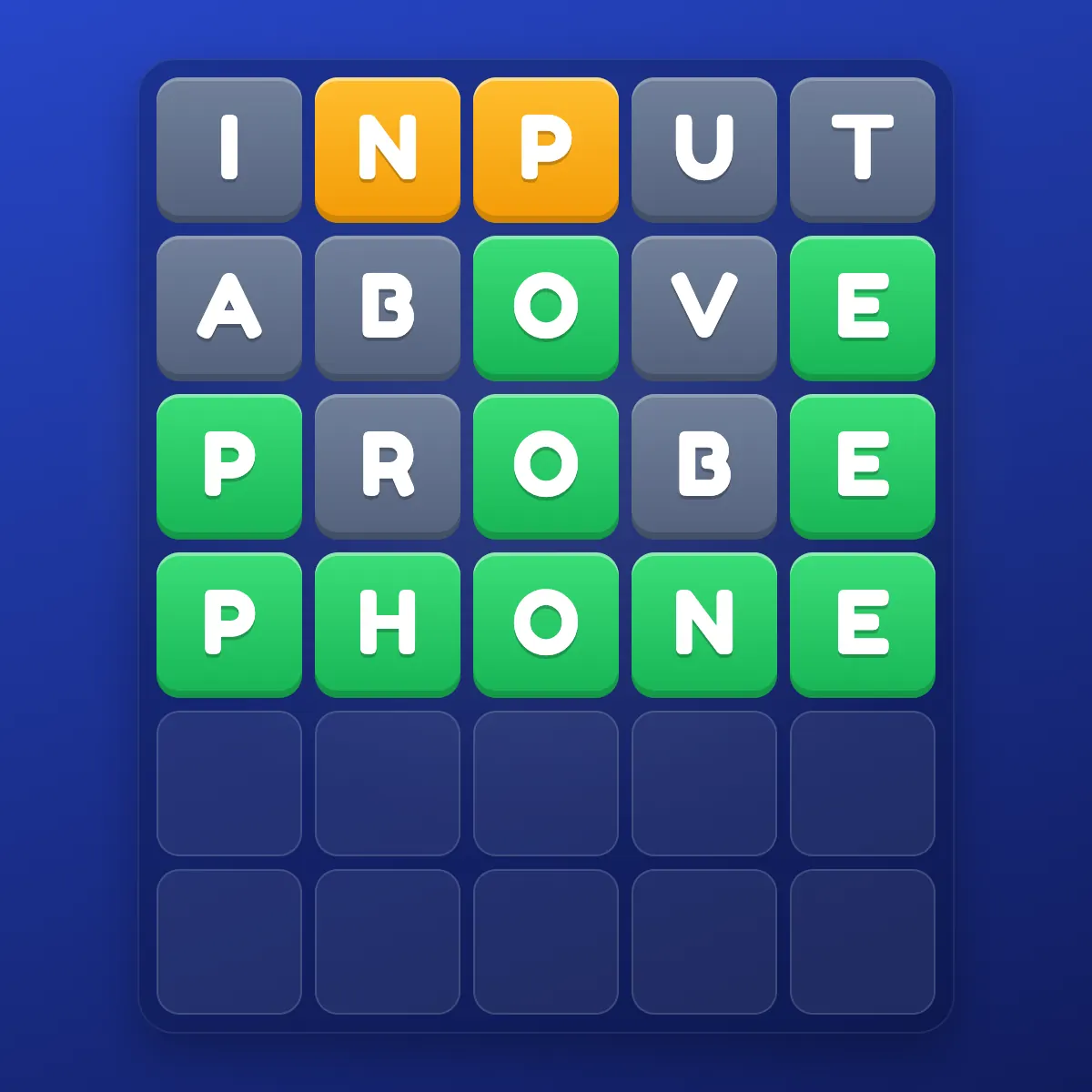
I always played Wordle on my phone. Coffee in one hand, phone in the other, morning puzzle done in bed. Then one day I tried it on my laptop. I solved in 2 guesses — my fastest ever. Coincidence? Maybe. But it made me wonder: does the device you play on actually affect your performance?
After tracking 100 games on each platform and surveying the community, here's what I found.
Side-by-Side Comparison
| Factor | Mobile | Desktop |
|---|---|---|
| Typing speed | Slower (thumb typing) | Faster (full keyboard) |
| Screen size | Smaller — grid fills screen | Larger — grid + keyboard visible |
| Keyboard visibility | Color hints on on-screen keys | Color hints on on-screen + physical keys |
| Accessibility | Play anywhere, anytime | Requires sitting down |
| Distractions | Notifications, multitasking | Fewer interruptions (usually) |
| Speed solving | Disadvantaged (slower input) | Advantaged (faster input) |
Performance Data
Based on community surveys and my own tracking:
- Average solve (mobile): 3.89 guesses
- Average solve (desktop): 3.74 guesses
- Failure rate (mobile): 3.2%
- Failure rate (desktop): 2.1%
Desktop players perform measurably better. The difference is small but consistent and statistically significant across sample sizes above 200 games.
Why Desktop Performs Better
1. The Keyboard Factor
On desktop, you see the on-screen virtual keyboard AND can use your physical keyboard. Physical typing is faster and more automatic, freeing cognitive resources for thinking about the puzzle instead of the mechanics of input.
2. Screen Real Estate
On desktop, the entire grid and keyboard are visible simultaneously without scrolling. On mobile, the grid sometimes requires slight scrolling, or the keyboard can partially obscure earlier guesses. Seeing all information at once improves analysis.
3. Focus Environment
Desktop users tend to be sitting at a desk, focused. Mobile users are often multitasking — commuting, watching TV, lying in bed. The focused environment contributes to better performance.
Where Mobile Wins
Convenience
Mobile wins overwhelmingly on accessibility. You can play Wordle on the toilet, on the bus, in a waiting room. Desktop requires dedicated time at a computer. For maintaining daily streaks, mobile convenience is unmatched.
Touch Interaction
Some players prefer tapping letters to typing them. The touchscreen provides a tactile, deliberate interaction that can slow you down in a good way — reducing rushed guesses.
Social Sharing
Sharing your grid is easier on mobile. Screenshot → share to chat/social media is two taps. Desktop sharing requires extra steps.
Recommendation
- For daily casual play: Use whichever device is most convenient. The performance difference is small.
- For competitive/ranked play: Use desktop. The speed and focus advantages matter.
- For maintaining streaks: Use mobile. Convenience prevents missed days.
- For practice/improvement: Use desktop. The better visibility and reduced distractions improve learning.